Smith Engineering - First-Year Students
General information and resources for first-year students

Welcome to Smith Engineering! From our enthusiastic community to the scenic waterfront campus and the wealth of internship opportunities– we can’t wait to introduce you to the vibrant world of Smith Engineering.
For general Queen’s University information, we encourage you to explore the Queen’sUBound resources for admitted students, as well as the Queen’s Next Steps guide for incoming students.
If you still need to accept your offer, please see the OUAC guide: How to Accept your Offer.
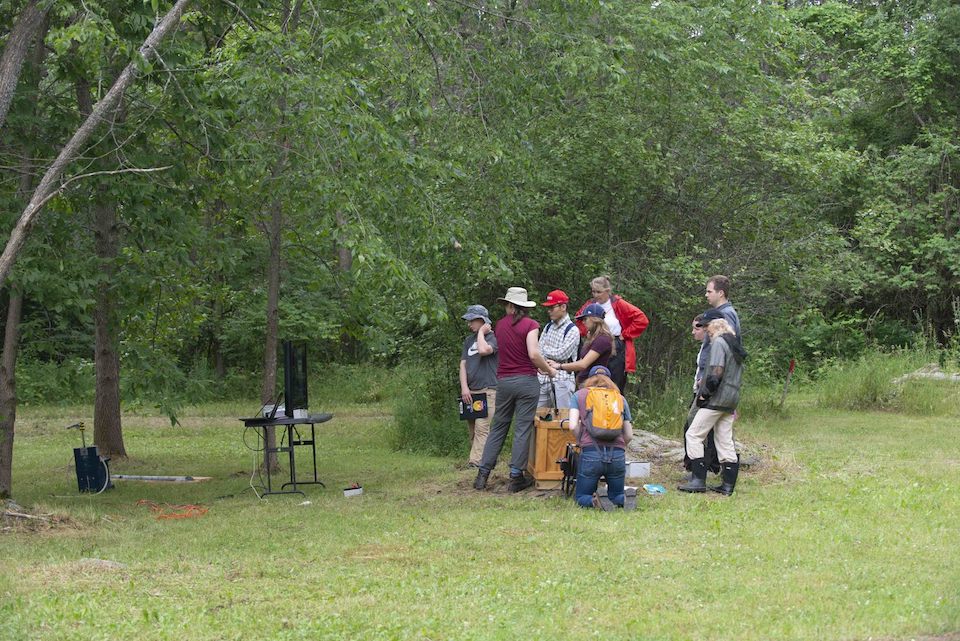
We hope you are excited for Engineering Frosh Week! We have addressed common questions and misconceptions to help you go into your orientation week with a sense of enthusiasm and anticipation.
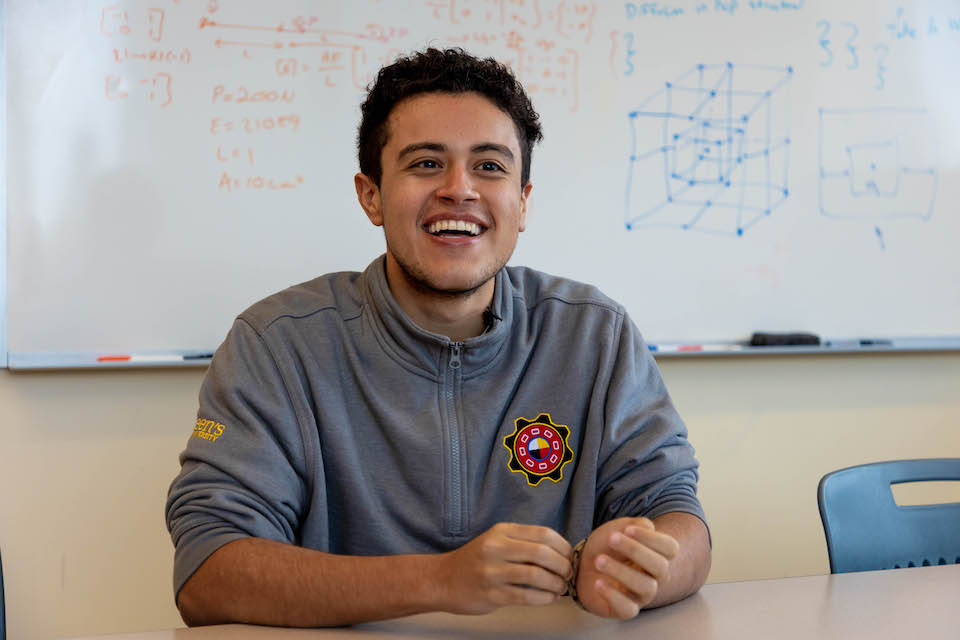
Indigenous students are invited to STEMInA Transition Week, an on-campus orientation program that begins one week before general move-in. The week includes a family orientation, food and accommodations, and an early move-in to residence.
Exclusively for those who have accepted Smith Engineering, our free self-guided modules are designed to review key concepts, theories, and calculations. Build your skills and confidence as you prepare for your first year.
Class sizes, timetables, GPAs and more - learn all about your degree.
You do not need to register in courses for your first year. You can log into SOLUS early to mid-July to see your timetable. You can find course information on OnQ starting in September.
Students with diverse learning styles and needs are welcome at Queen's. If you have a disability or health consideration that may require accommodations, please contact the Smith Engineering Program Advisor of Accommodations and Considerations, or learn more from Queen's Student Accessibility Services FAQ.
A scientific calculator is required for the program.
The Casio 991 series will be the only calculators approved for engineering exams.
Computers are essential tools for an engineering education, just as they are in the engineering workplace. They are used extensively for modeling, design, and communication. Course resources are distributed through OnQ and assignments are often submitted electronically. Internet access is needed for registration, accessing course materials and grades, and for communicating with instructors and peers. Official communication with all students is via the Queen's email account.
Each student will need high-speed Internet access and a computer with a webcam, headphones, and a microphone. Headphones with a built-in microphone are recommended.
The Smith Engineering program uses online materials extensively, including videos and simulations. These activities require a reliable Internet service. There are usually several options depending on your location including fiber, cable, DSL, and satellite service, but look for a minimum bandwidth of 100 Mb per second or higher per user in the household sharing the service.
Consider a wired network connection to your Internet router rather than WiFi for the best performance.
Remote areas may have lower quality options available.
Expanded use of your Internet connections may cause you to exceed your monthly data plan allowance and result in significant overage charges depending on your internet service plan. An unlimited data plan is highly recommended.
We recommend that students have a laptop, as they are portable, need little space, and are often used for collaborative work and in classes. If you already own a laptop, and it was a mid-range model made in the past few years, you will probably have no problem using it in our program. If you are buying a new laptop, we recommend the models below as they meet the hardware requirement. Requirements:
Operating System
Windows 11
Processor
Minimum: Intel core i7
Recommended: Intel core i9
Video card
Minimum - Dedicated video card Nvidia or AMD 4 GB
Recommended - Dedicated video card Nvidia or AMD 6 GB or higher Memory
(RAM)
Minimum - 16 GB Recommended – 32 GB or higher
Storage Minimum - 256 GB Recommended – 512GB or higher
Screen Minimum – 14 inch Recommended – 15 inch or larger
Suggested models
The links below are for machines that Smith Engineering that IT have tested with all required software. The software is upgraded over time and requirements may change but the recommended machines below should be acceptable for your entire undergraduate program.
The prices range anywhere from $1,500-$3,200, depending on the Specifications included.
Dell - Dell Gaming laptop
Dell - Dell Pro 16
Lenovo – Lenovo Slim 5 Gen 9
Lenovo - Lenovo Legion 5i Gen 9
Software used in the first-year of the Smith Engineering program is listed below. Most software is distributed through our application delivery system, Apps.SmithEngineering. Some of the software listed will be distributed online by IT Services.
• Autodesk FUSION 360 - This full-featured CAD program will be used in APSC 162 (Engineering Graphics) and can be run from Apps.SmithEngineering.
• MATLAB- this high-level programming language is used in many courses. It can be run from Apps.SmithEngineering or downloaded and installed at no charge from the Software Center found at MyQueen'sU.
• Arduino IDE - run from Apps.SmithEngineering. Details about it are at Arduino Docs website.
• Microsoft Project and Visio can be downloaded from https://azureforeducation.microsoft.com/devtools (Windows only). Make sure to copy the product key.
• Queen's recommends that all students install antivirus and antispyware software on their computers. Windows Security is installed on all Windows computers and is recommended by Smith Engineering IT. Some computers come with pre-installed third-party antivirus programs, ex. McAfee, AVG, etc. These programs have caused some problems in the past with Apps.SmithEngineering.
We also recommend that all students install the latest version of Microsoft Office, available for free from MyQueensU, which includes current versions of Word, Excel, PowerPoint, Outlook, OneNote, and more - find out how. Students may be able to use older versions of Microsoft Office or competing software, but they will be responsible for adapting instructions to those packages.
Any other software that must be purchased must be done so legally. Copying and using someone else's software without buying a copy yourself is illegal, and a violation of the Copyright Act. Following legal and ethical standards is an important part of being a Professional Engineer and is essential for all engineering students.
Most of the Smith Engineering software products are Windows only. A good example is Microsoft Project and Visio.
Some software titles like Microsoft Office and Matlab are available in Mac version. You may have difficulty or at the minimum extra steps to get other software to run a Mac machine.
The Engineering IT department does NOT suggest or recommend using/purchasing a Mac/Apple computer.
The following midterm exams are scheduled for the evening. Please keep these dates open. Further details will be available in onQ closer to the date of the exam.
Tues Sept 23-APSC 141
Thurs Sept 25- APSC 171
Thurs Oct 2- APSC 111
Tues Oct 7-APSC 141 Final exam/ APSC 143 midterm
Thurs Oct 9- APSC 162
Reading Break
Tues Oct 28 APSC 131
Thurs Oct 30 APSC 151
Tues Nov 4 APSC 171
Thurs Nov 6 APSC 111
Sat Nov 15 APSC 102
Tues Jan 27-APSC 171J
Thurs Jan 29- APSC 111J
Tues Feb 3- APSC 131J
Thurs Feb 5-APSC 172
Tues Feb 10 - APSC 174
Thurs Feb 12 -APSC 112
Tues Feb 24- APSC 182
Thurs Feb 26- APSC 132
Tues Mar 3- APSC 103
Thurs Mar 5- MREN 178
Tues Mar 10 - APSC 172
Thurs Mar 19- APSC 112
Tues Mar 24- APSC 174
April 6- APSC 132J
May 5 - 9am- APSC 172J
May 12- 9am- APSC 112J
June 2-9am- APSC 112J
June 5- 10am- APSC 174 midterm #1 (online)
July 3- 10am APSC 174 midterm #2 (online)
Smith Engineering - First-Year Students
General information and resources for first-year students
Last updated: May 7, 2026